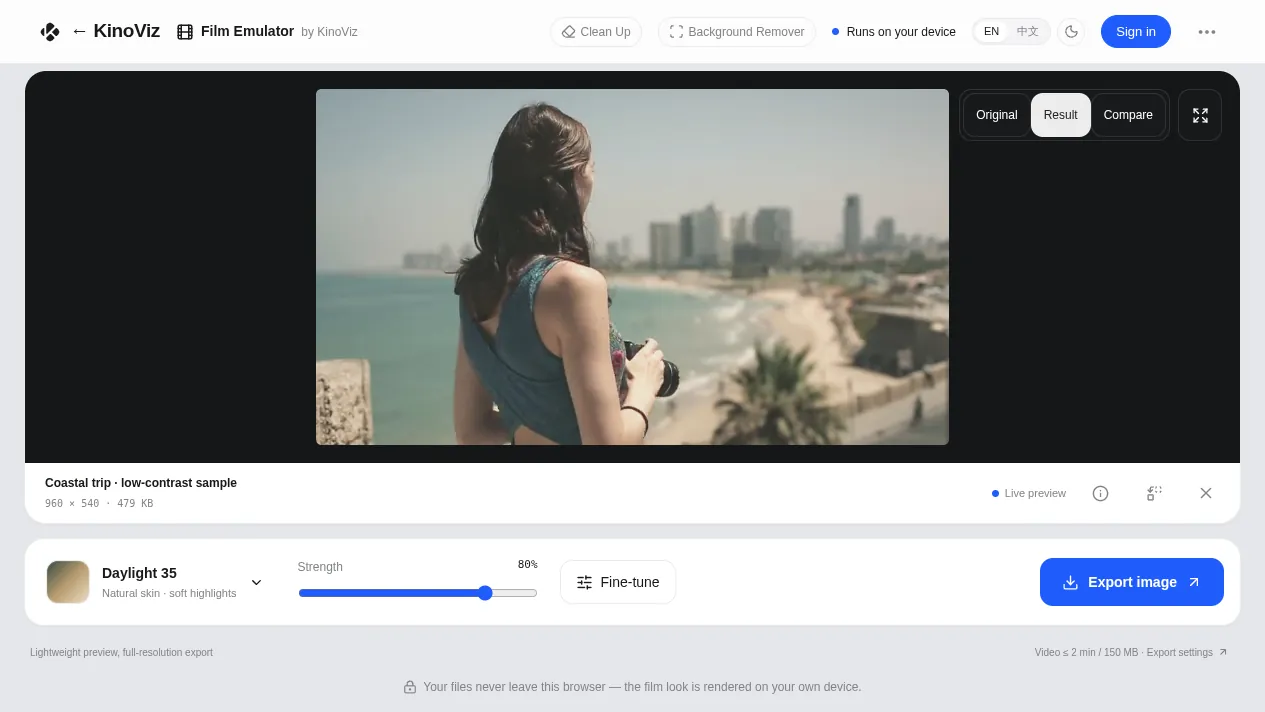
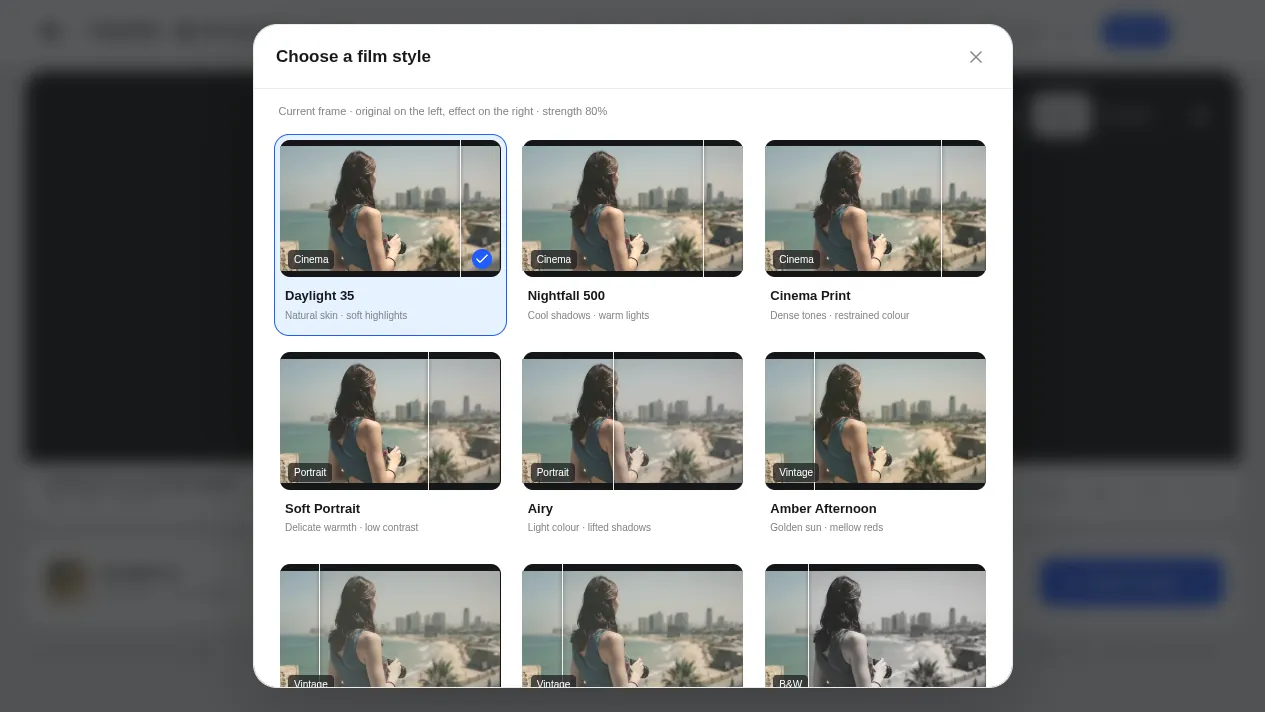
A film look for photos and short video, right in your browser. Start from one of 18 one-click looks, 12 film stocks modeled on published data sheets or 10 original stocks, add 35mm, 16mm or 8mm grain and halation, and preview it in real time.
No account needed to try it. Sign in with your KinoViz account only when you download the result.
Your footage never leaves the browser
The grade is rendered on your own device with WebGL. There is no model to download and nothing is uploaded, and closing the tab discards everything.
Grade, texture and compare in one place
Choose a look, then layer clean, 35mm, 16mm or 8mm texture: grain, halation, vignette, dust, flicker and gate weave. Check it against the original with a before/after curtain.
What it looks like
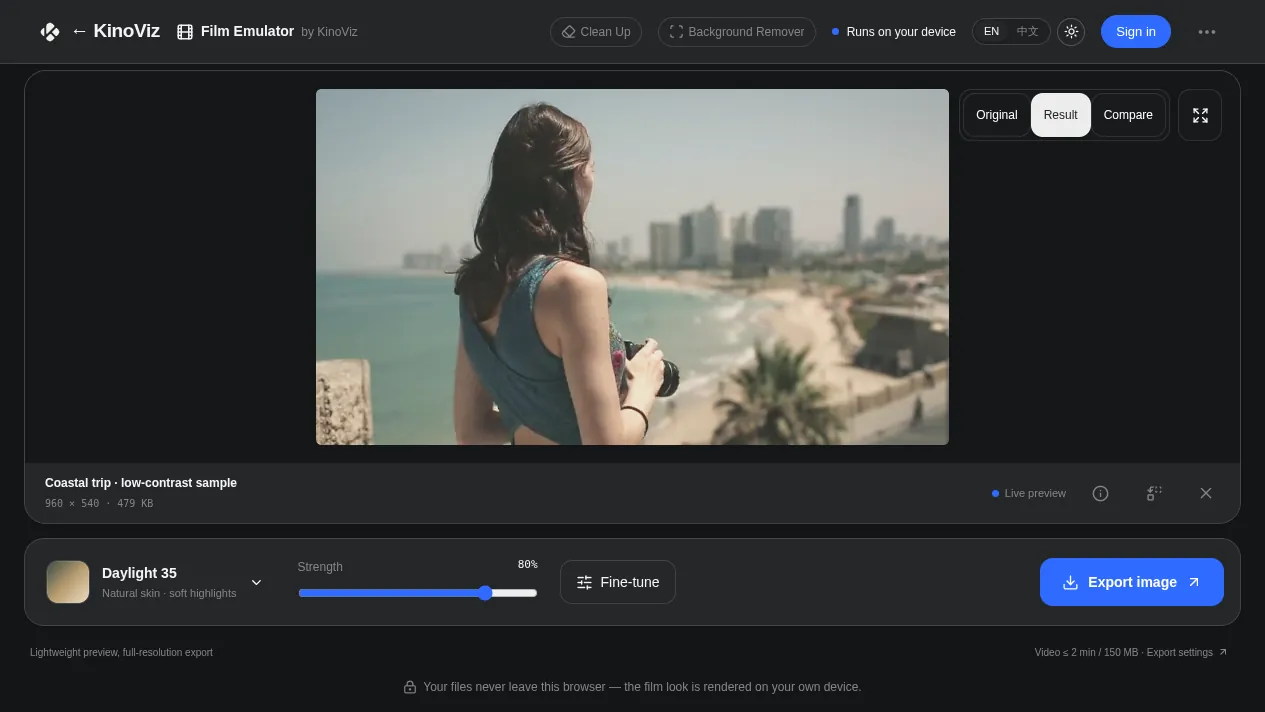
Drop in a photo or a short clip and pick a lookLight and dark themes, matched to KinoVizPreview every look on your own footage before you choose
Questions
Does the film filter work on video?
Yes. Short clips export as MP4 or WebM, by default at up to 1920px on the long edge and 30fps, keeping the main audio track. On a computer clips can be up to 120 seconds and 150 MiB; on a phone, up to 60 seconds and 80 MiB. Photos export as a full-resolution PNG. Video export needs WebCodecs, so use desktop Chrome or Edge.
Does my photo or video get uploaded anywhere?
No. The film emulation runs locally in your browser on WebGL. There is no AI model to download and no server-side processing, so your media never leaves your device.
Can I take the color grade into another app?
Yes. You can export the color part of the current look as a standard .cube LUT. Grain, halation and the other texture effects are not part of the LUT. Output is SDR, so convert HDR video to SDR before you bring it in.
Good to know: The looks are creative color grades inspired by film, not measurements of any real film stock. The sample photo is used under the Pexels License; the sample clip is KinoViz’s own footage. Please only process media you own or are licensed to use.