KinoViz
  • Features
  • Pricing
  • Showcase
  • Templates
  • Blog
  • Docs
Sign inOpen Studio
KinoViz

The browser-based animation studio for vector & 3D motion design, powered by AI.

Product

FeaturesPricingShowcasesUpdates

Resources

DocsBlogTemplatesGlossaryCompare toolsAlternatives

Tools

iPhone Duo MockupMusic FitClean UpBackground RemoverAll tools

Company

AboutContact
© 2024 KinoViz, All rights reserved
Privacy PolicyTerms of ServiceRefund Policy

Free tool

Clean Up

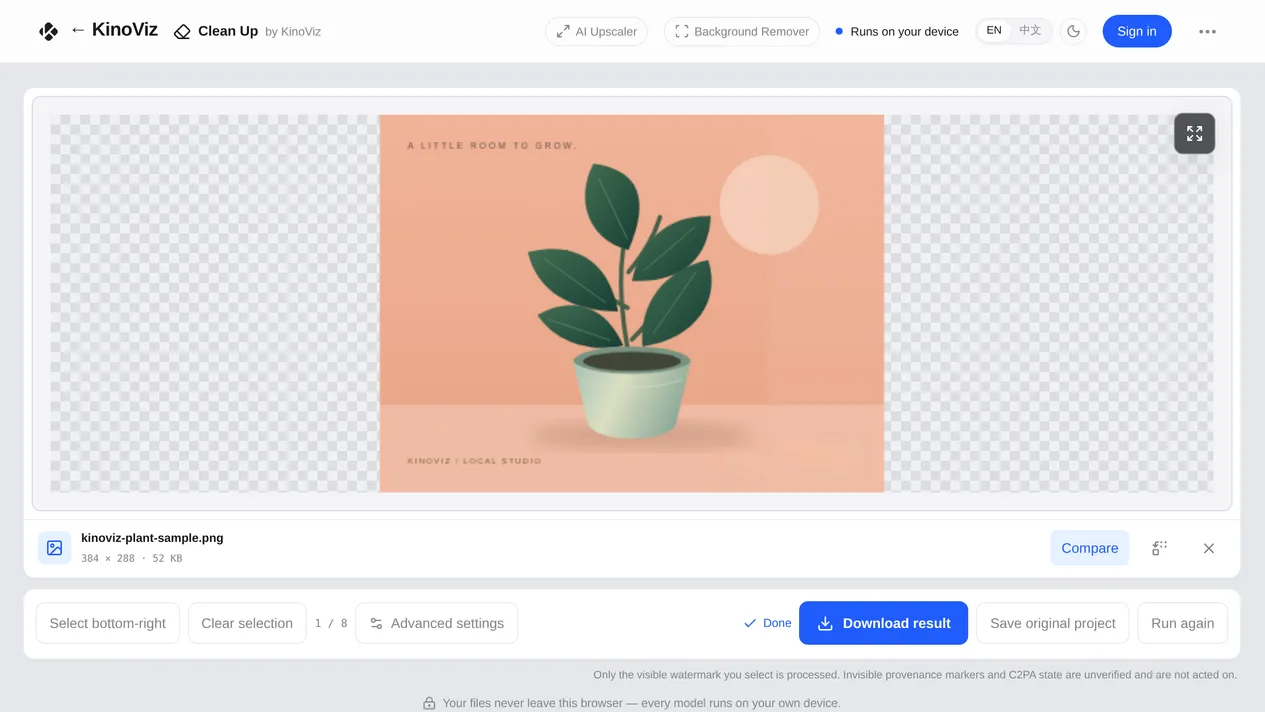
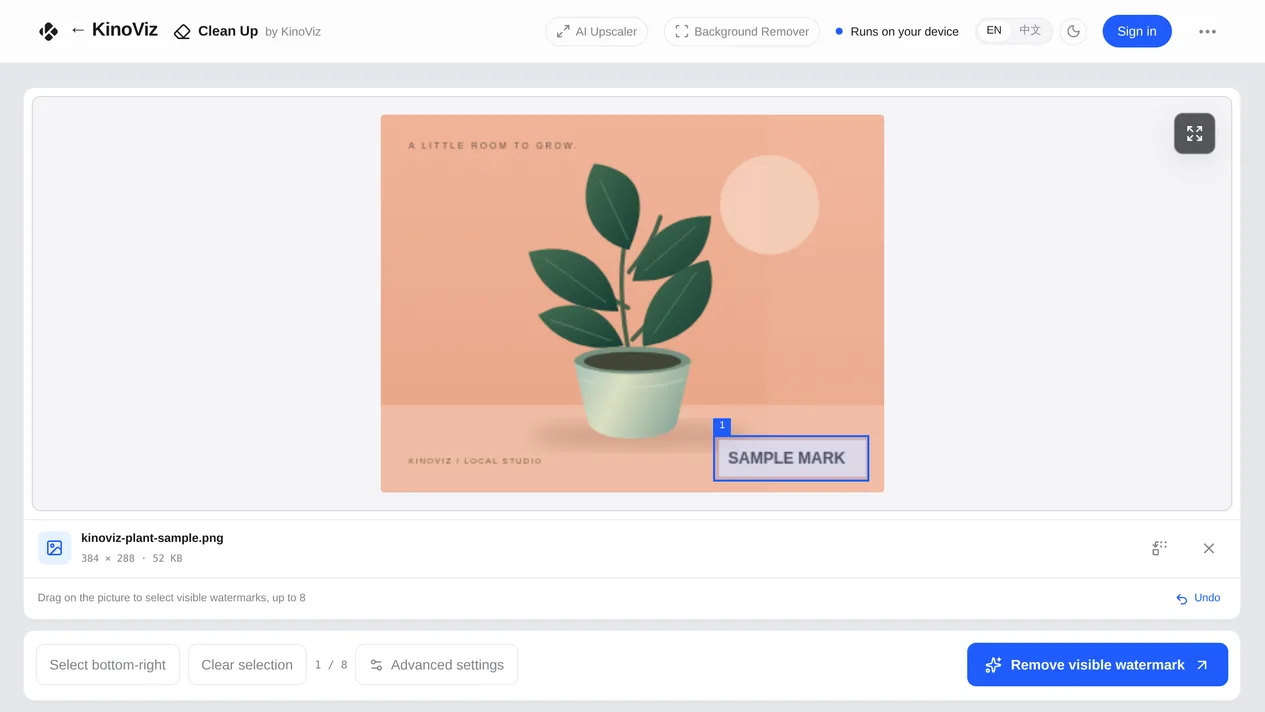
Draw a box over a visible watermark — a logo, a timestamp, a caption overlay — and a model on your own machine paints it out. Works on images and video.

Open the toolBuild the whole scene in KinoViz Studio

Why it's different

  • Free

    No account needed to try it. Sign in with your KinoViz account only when you download the result.

  • Your files never leave the browser

    The repair runs locally on your own machine. Nothing is uploaded, and closing the tab discards everything.

  • You choose the area

    Box the region yourself and the model fills it in. The result downloads directly, and you can optionally keep a ZIP alongside it holding the original file, its SHA-256 and the selection you made.
What it looks like

Drop in a file and box the area you want gone
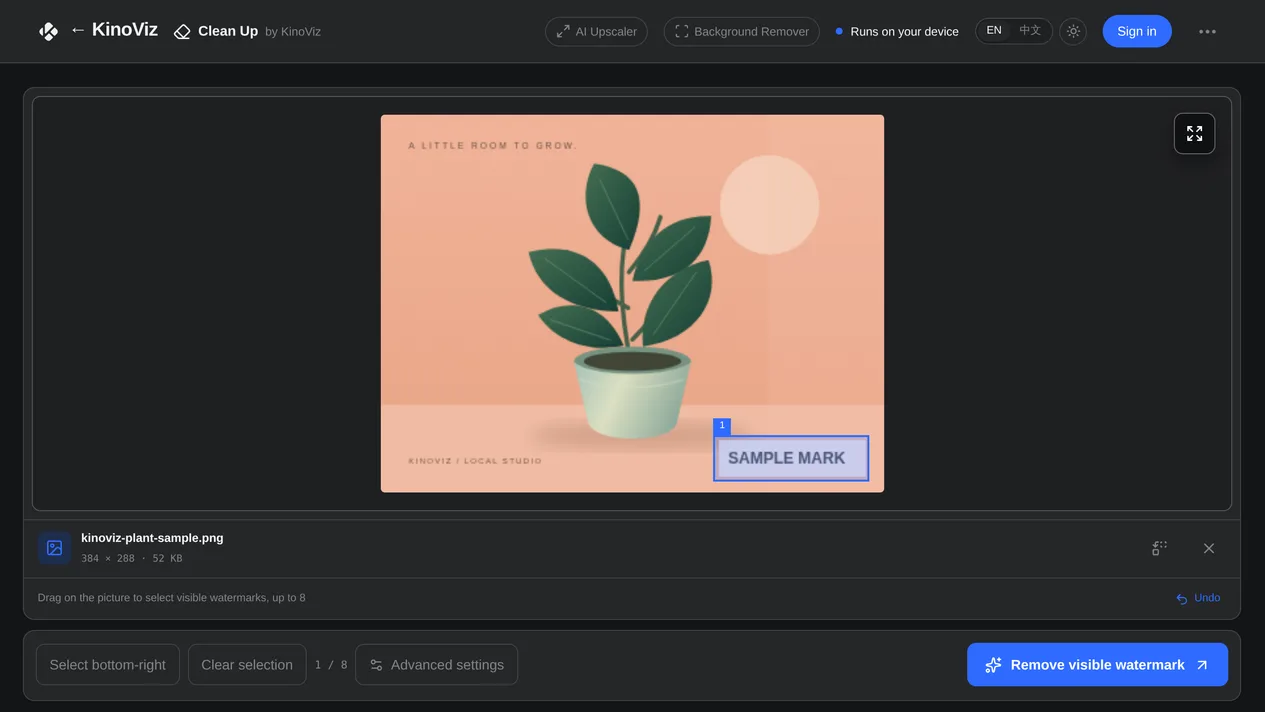
Light and dark themes, matched to KinoViz
Compare before and after, then download the result

Questions

Does it follow a watermark that moves around the video?
No. Video repair uses one fixed selection applied to every frame — there is no motion tracking and no temporal consistency model. A watermark that stays in one corner is the case it handles well.
Does my file get uploaded anywhere?
No. The model is downloaded to your browser on first use and runs on your own machine from then on. Your image or video is never sent to a server.
What are the limits?
Images up to 25 MiB, videos up to 150 MiB and 120 seconds. Video needs a browser with WebCodecs support. Large or busy selections take longer, and results on complex backgrounds are worth checking by eye.

Need the screen itself animated?

KinoViz is a browser-based animation studio — keyframes, easing, 3D and video export, with nothing to install.

Open KinoViz Studio

Where this tool stops: It only repairs the visible area you select. It does not detect or remove invisible markers such as SynthID, and any pixel edit or re-encode may drop C2PA content credentials — nothing here is a claim that provenance is preserved. Please only process content you own or are licensed to edit.