KinoViz is a browser-based animation studio for vector & 3D motion design — keyframes, easing, 3D import, and one-click export.
Free to start. Try Pro free for 7 days, no charge required.
A complete toolkit — precise manual control, 3D, and pro-grade effects.
No complex keyframe editors. Add elements, set keyframes on the timeline, and watch your animation come to life. Smooth interpolation and easing built in.
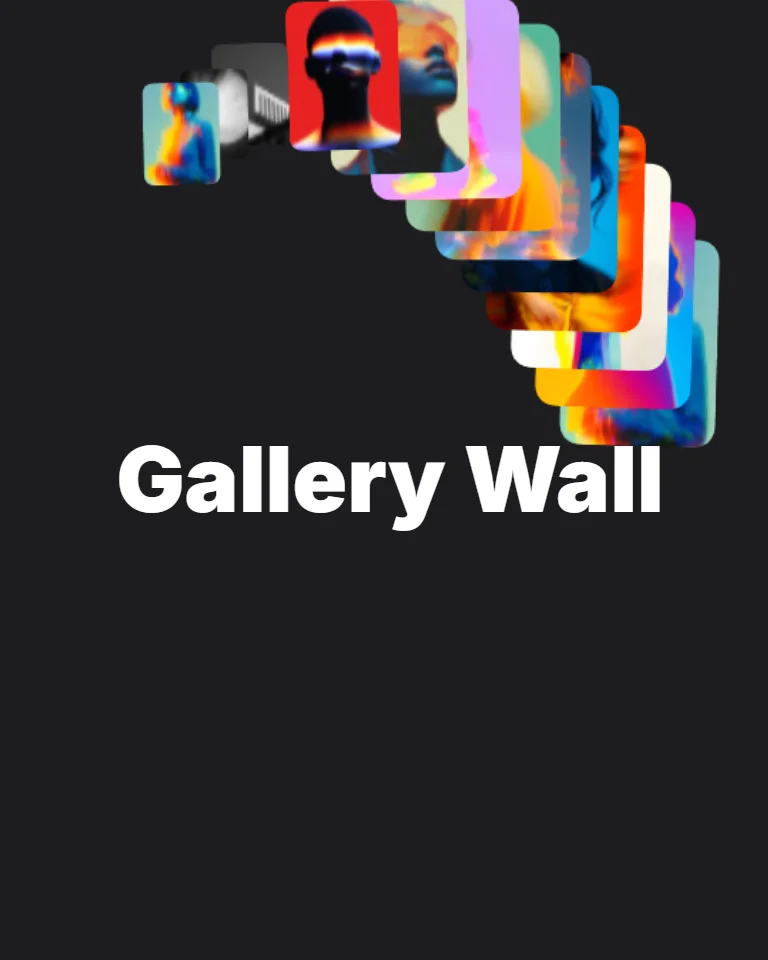
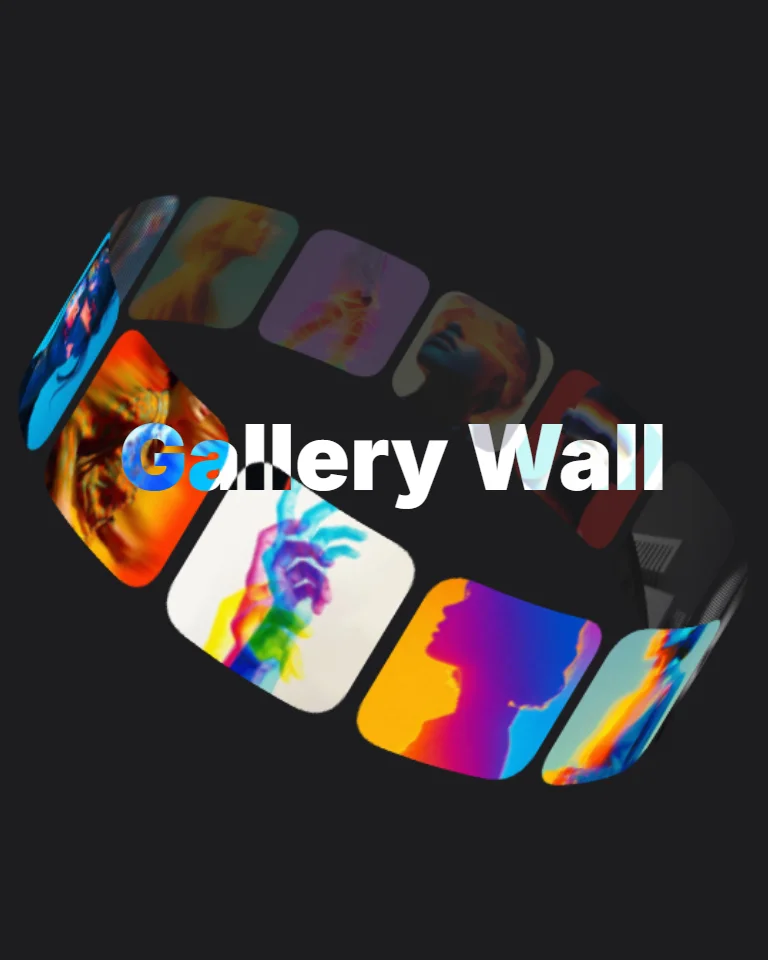
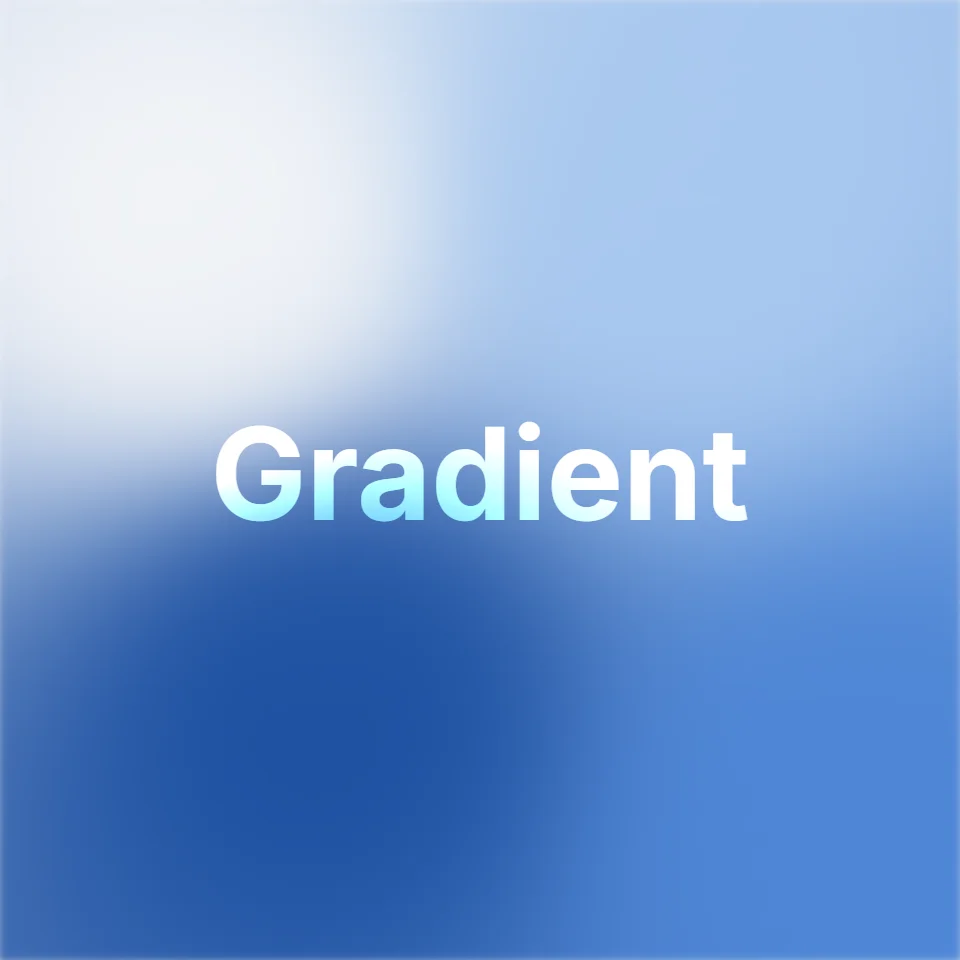
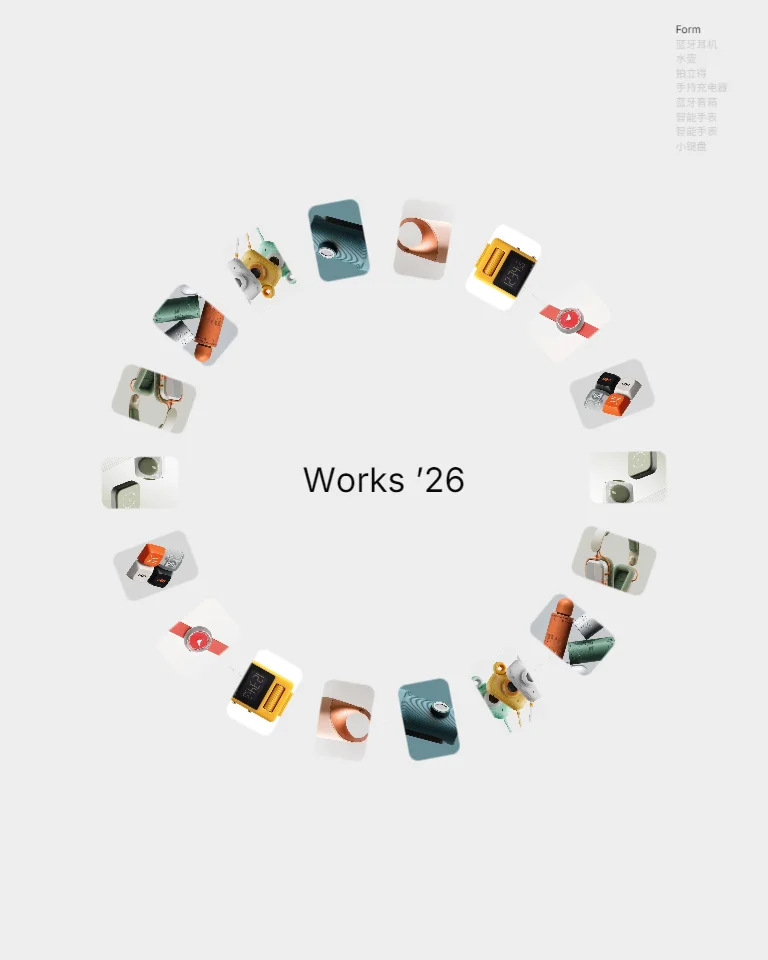
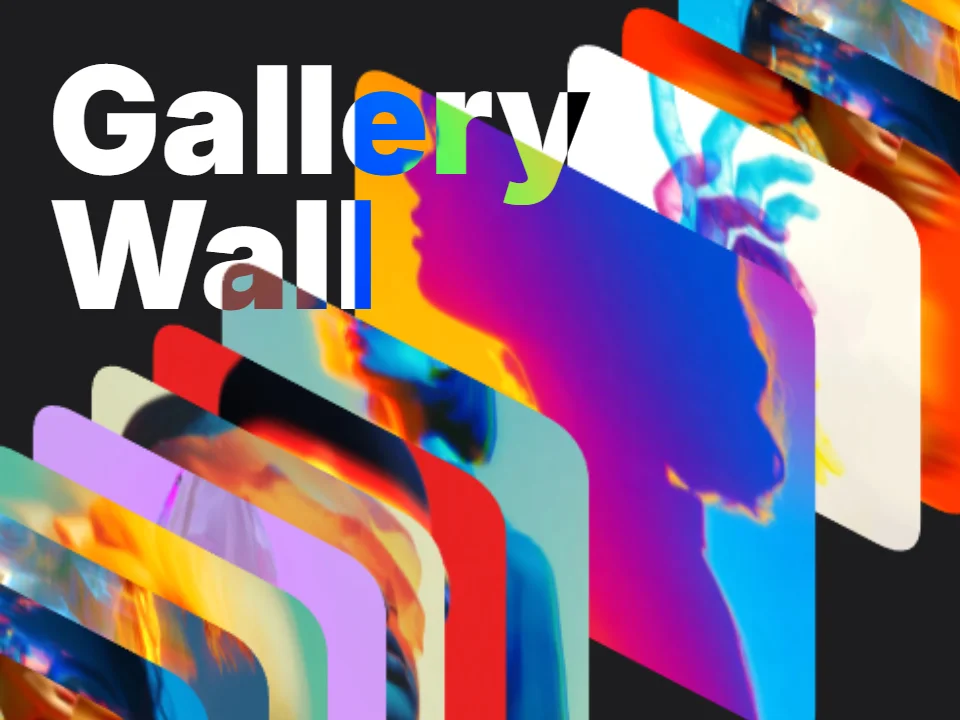
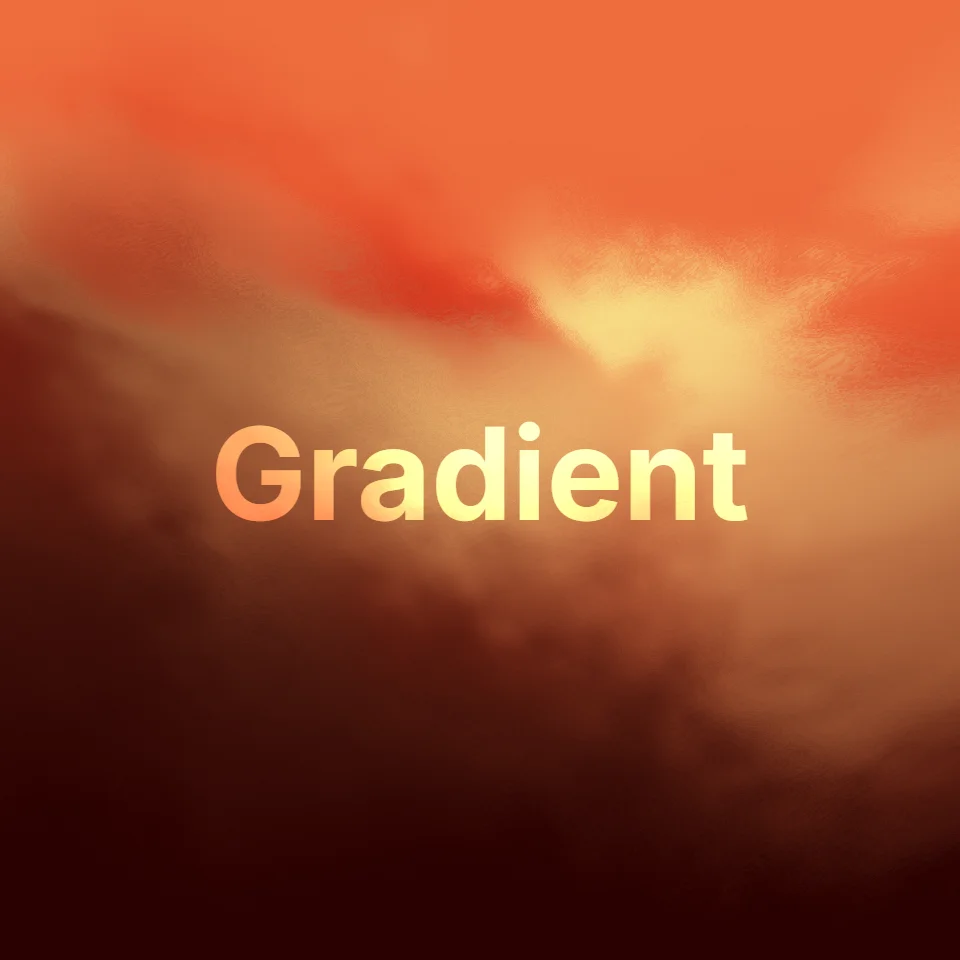
GLSL gradient backgrounds, glass materials, text effects and photo-wall presets — all keyframable, all tweakable by hand.
Unique dual-canvas architecture: Fabric.js for 2D vectors plus Three.js for 3D models. Import GLB/GLTF and animate alongside text, shapes, and paths.
Export as MP4, WebM, or PNG. Up to 1920px (Full HD+) at 60fps on Pro. No complicated settings — ready to share instantly.
Design mode for layout, Animate mode for keyframes. Same project, same tab, nothing to install.
Transform
Vector shapes, text, images, video and 3D models live on one canvas. Group them, mask them, reorder them in the layer list.
Switch to Animate mode and every property becomes keyframable, with easing curves you can pick per segment.
Every selected element opens its own panel: transform, materials, blur, glow, shadow and more — each value keyframable.

Bring your own material: SVG, PNG and JPG images, video clips, GLB and glTF models — or start from a template.
Set keyframes, shape the easing, add physics, effects and materials until the timing feels right.
Save the current frame as a transparent PNG

Showing the MP4 output
Rendering happens locally in your browser, so nothing queues on a server. Transparent output is available as PNG frames.
Free to start — export watermark-free at full resolution on Pro, $9/mo.
The best creators use motion across all platforms to capture attention, tell powerful stories, and drive more engagement.
Turn your posts, stories, and reels into engaging animated content that grabs attention and stops people mid-scroll.
Scale production for high-volume campaigns across channels, formats, and languages, delivering dynamic animations that convert.
Test ideas, interactions, and transitions quickly. Bring your apps and websites to life and hand off your animations to developers.
Every template is a real KinoViz project. Open one and the layers, keyframes and timing are all still yours to edit.
Real animations created by our community. Watch a few, then make your own.
Early feedback from the creators who tested KinoViz before launch.
“I kept waiting for the catch — a full keyframe timeline with easing curves, running smoothly in a browser tab. I moved half my client work into KinoViz during the beta.”
Maya
Motion Designer · Beta tester
“The glass and 3D materials sold me. I mocked up my entire trailer's motion graphics in one afternoon — no render farm, no installs.”
Tom
Indie Game Developer · Beta tester
“I set up my intro template once, then just swap the text and polish the timing. My weekly intro animations went from hours to minutes.”
Rin
Content Creator
“Our team shares editable links instead of MP4 files now. Feedback rounds got dramatically shorter during the beta.”
Diego
Marketing Lead · Beta tester
“My students open a link and start animating. No licenses, no lab installs — that alone changed how I teach motion design.”
Sofia
Design Educator · Beta tester
“The export quality surprised me. Clients can't tell it wasn't made in a desktop suite, and I can edit from any machine.”
Ken
Freelance Animator · Beta tester
The editor is free to use. Paid plans lift the export limits, remove the watermark and add the premium asset library.
Get started with basic animation tools.
$0
For professionals and heavy users.
$9/ month
Have another question? Email us at support@kinoviz.com.
Create your first animation in minutes. Free to start, no credit card required.