Make the music fit your video. Set an exact length, line the drop up with your cut, loop a track seamlessly, or blend two songs — without changing speed or pitch.
No account needed to try it. Sign in with your KinoViz account only when you download the result.
Your music never leaves your machine
Decoding, analysis and mixing all run in your own browser with Web Audio. Nothing is uploaded, and closing the tab discards everything.
Four jobs, one tool
Refit a track to 2–180 seconds, align the drop to a moment in your edit, search for a seamless loop, or blend two songs into one cue. Exports 16-bit WAV.
What it looks like
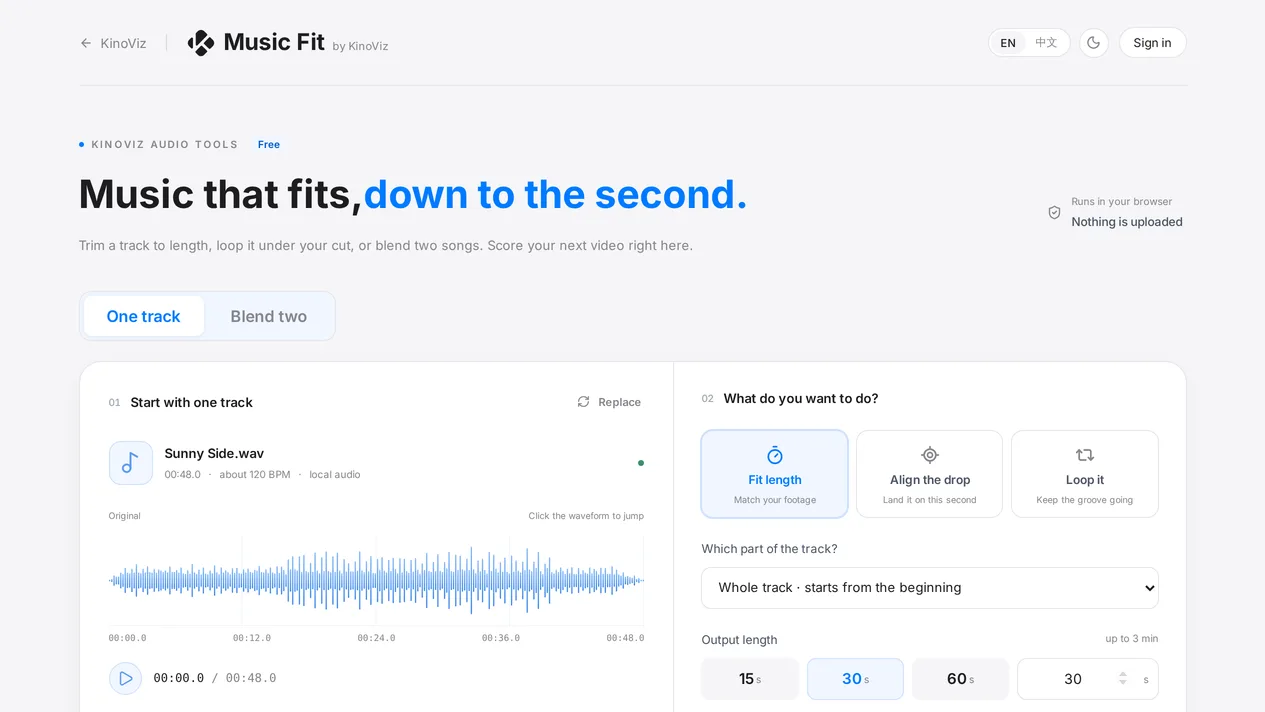
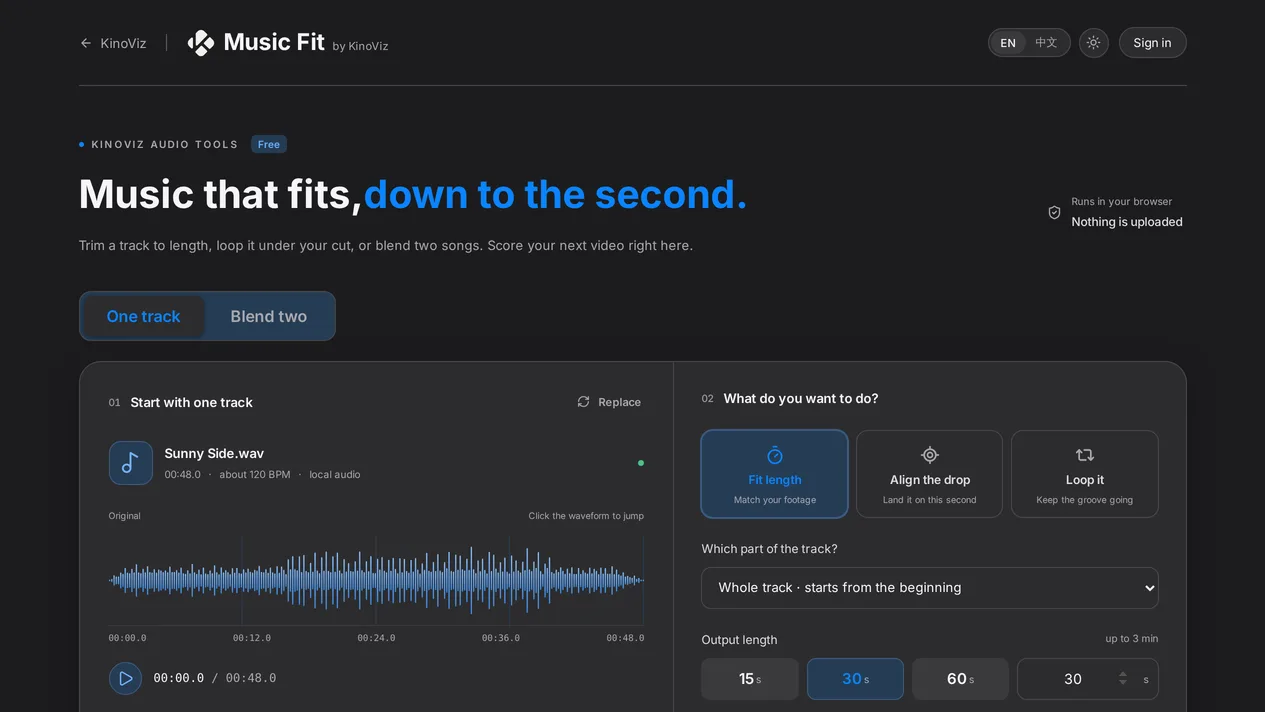
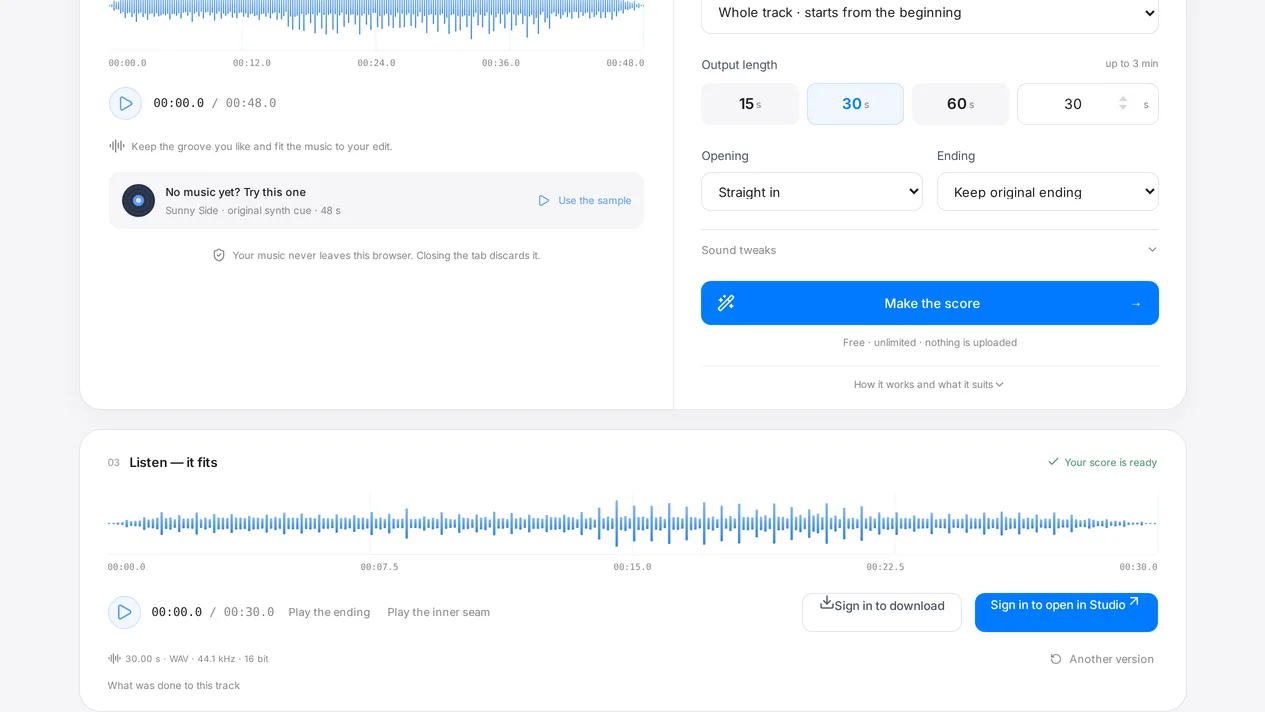
Pick a job, drop in a track, and set the length you needLight and dark themes, matched to KinoVizPreview the result, compare candidates, then export a WAV
Questions
Does it speed the music up to fit?
No. The track is re-cut and cross-faded at musically sensible points, so speed and pitch stay exactly as they were. You choose how it ends: keep the original outro, fade out, or one of three other endings.
Does my music get uploaded anywhere?
No. The file is decoded, analysed and mixed in your own browser, and nothing is sent to a server. Close the tab and it is gone.
How do I get the result into KinoViz?
Download the WAV and drop it into Music mode in KinoViz Studio, or into any editor you already use. The export is a standard 16-bit WAV, so it opens anywhere.
About the music: The sample track in the tool is synthesized in code, not a recording. Bring your own music or something you are licensed to use — the tool does not grant you any rights to the audio you put through it.